Insights
・
.
.
Traditional EDA tools vs. AI-native tools: What's changed in the PCB design market
AI is no longer a add-on feature in PCB design — it's becoming the core of the workflow. And that shift is quietly restructuring the EDA tool market faster than most people realize.
💡 At a glance
Legacy PCB design tools are powerful but expensive, steep to learn, and difficult to access for students and early-career engineers just getting started.
AI-native tools run entirely in the browser, require no installation, and handle the most repetitive parts of layout — placement and routing — automatically.
The two tool categories aren't replacing each other. They serve different users at different stages. The most practical move right now is to build foundational skills while getting hands-on with AI tools in parallel.
If you remember the first time you opened a PCB design program, you probably remember the overwhelm: endless menus, unfamiliar conventions, and the realization that every single component needs to be placed by hand. Plenty of features — no obvious place to start.
That dynamic is starting to shift. A new category of tools has emerged where AI handles placement and routing at the core — not as a bolt-on feature, but as the primary design engine. The starting point is fundamentally different.

1. What legacy PCB design tools do well — and where they fall short
Traditional EDA tools have earned their place in the industry. Decades of real-world use have made them the reliable choice for complex circuits, high-speed signal design, and specialized applications where precision and depth of control matter most.
But the limitations are real, too. Licensing costs for professional-grade tools can be prohibitive for students and smaller teams. The feature sets are vast, and getting genuinely proficient takes considerable time. AI capabilities, where they exist, tend to be layered on top of existing workflows rather than integrated at the core — which limits how much automation they can actually deliver. And because these tools run locally, switching machines or working in a different environment adds friction.
Open-source options like KiCad have made meaningful progress on accessibility, but their AI automation capabilities are still early-stage compared to what purpose-built AI tools now offer.

2. Why AI-native tools are a different category entirely
The newer generation of AI-first design tools isn't just a cheaper or simpler version of traditional EDA software. The architecture is different — AI sits at the center of the design process rather than at the edges.
Three things stand out.
No installation, no setup. These tools run server-side and deliver results through the browser. Sign up, upload your files, and you're working — on any machine, without a license key or a multi-step installation process.
The learning curve is different. You don't need to master hundreds of features before you can produce a result. The core workflow is: upload your schematic, let AI handle placement and routing, review the output, export. Engineers who are still building their fundamentals can get a first result quickly — and learn from it.
The AI explains its reasoning. Rather than returning a result and moving on, the better tools surface why each component was placed where it was. That turns the output into something you can actually evaluate and push back on — and it's a faster way to build design intuition than grinding through manual layouts alone.

3. Why both tool categories still coexist
AI-native tools aren't going to displace traditional EDA software anytime soon. The two categories serve meaningfully different users.
Legacy tools remain the standard in professional engineering environments and large organizations where fine-grained control, high-speed design, and compliance with strict fabrication requirements are non-negotiable. The tradeoffs — cost, complexity, local installation — are acceptable in that context because the depth of capability justifies them.
AI-native tools are built for a different profile: students, junior engineers, hardware startups, and anyone who needs to move fast, iterate quickly, or get a working prototype out the door without a steep onboarding process. Browser-based, low-cost or free, and built around automation as the default.
For complex, high-stakes designs, traditional tools still have the edge. For rapid prototyping, early-stage learning, and iterative experimentation, AI-native tools are increasingly the more practical choice.
4. So which should you learn first?
The fundamentals of traditional PCB design are still worth knowing. Understanding how to read a schematic, how layout flows from schematic to board, and how design rules work gives you a foundation that holds up across any tool or environment. Starting with something free and accessible — KiCad or EasyEDA — is a reasonable place to build that base.
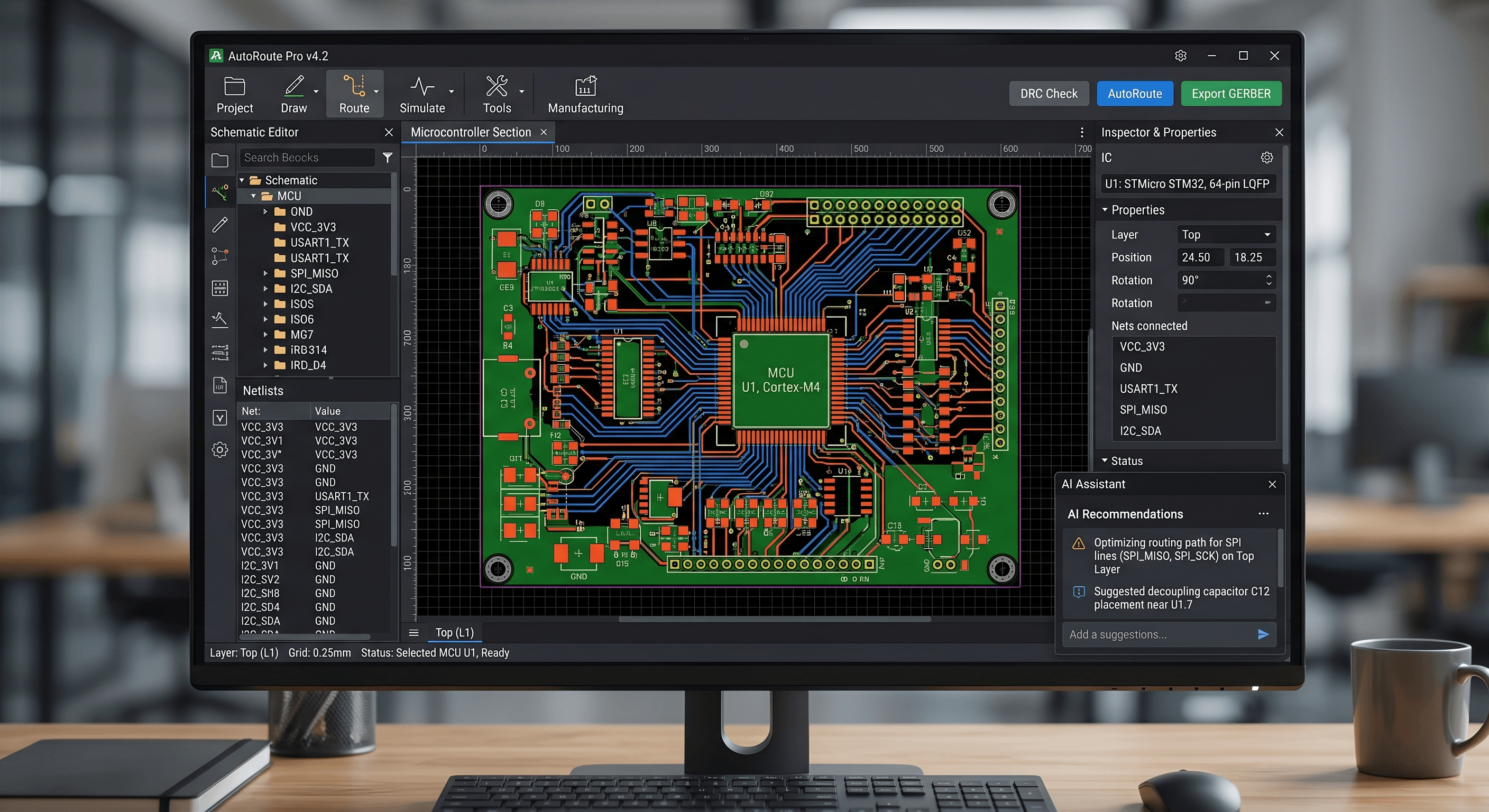
At the same time, getting hands-on with AI tools is becoming less optional. The ability to run AI-assisted placement and routing on a live project — and do it quickly — is a practical skill that makes a visible difference when timelines are tight.
The realistic answer isn't one or the other. It's both, starting with whichever one your current project actually needs.