[Through the end of 2026] All features are free on signup

An AI layout engine that builds precisely to your design intent. Nothing to install: three steps in the browser, schematic to layout.
Get started free
→
KAB-IC-16
No unauthorized AI training
your data is never used for training
Certified ISMS
audited and certified to ISO/IEC 27001
Enterprise security
encrypted transfer, controlled server access
Where auto placement and routing workflows fall short
No design rationale
Auto-layout tools give a result with no reasoning attached, so there is no way to evaluate the output.
No room for manual control
One-shot automation locks the engineer out. Move one critical part and the whole board has to be recomputed.
EDA compatibility barrier
Without support for the formats teams already use, existing design assets stay locked out of the tool.
No rationale, no control, no support for your existing files.
Three things that set MODI Factory apart

AI placement and routing notes
"Every decision comes with the data that justifies it."
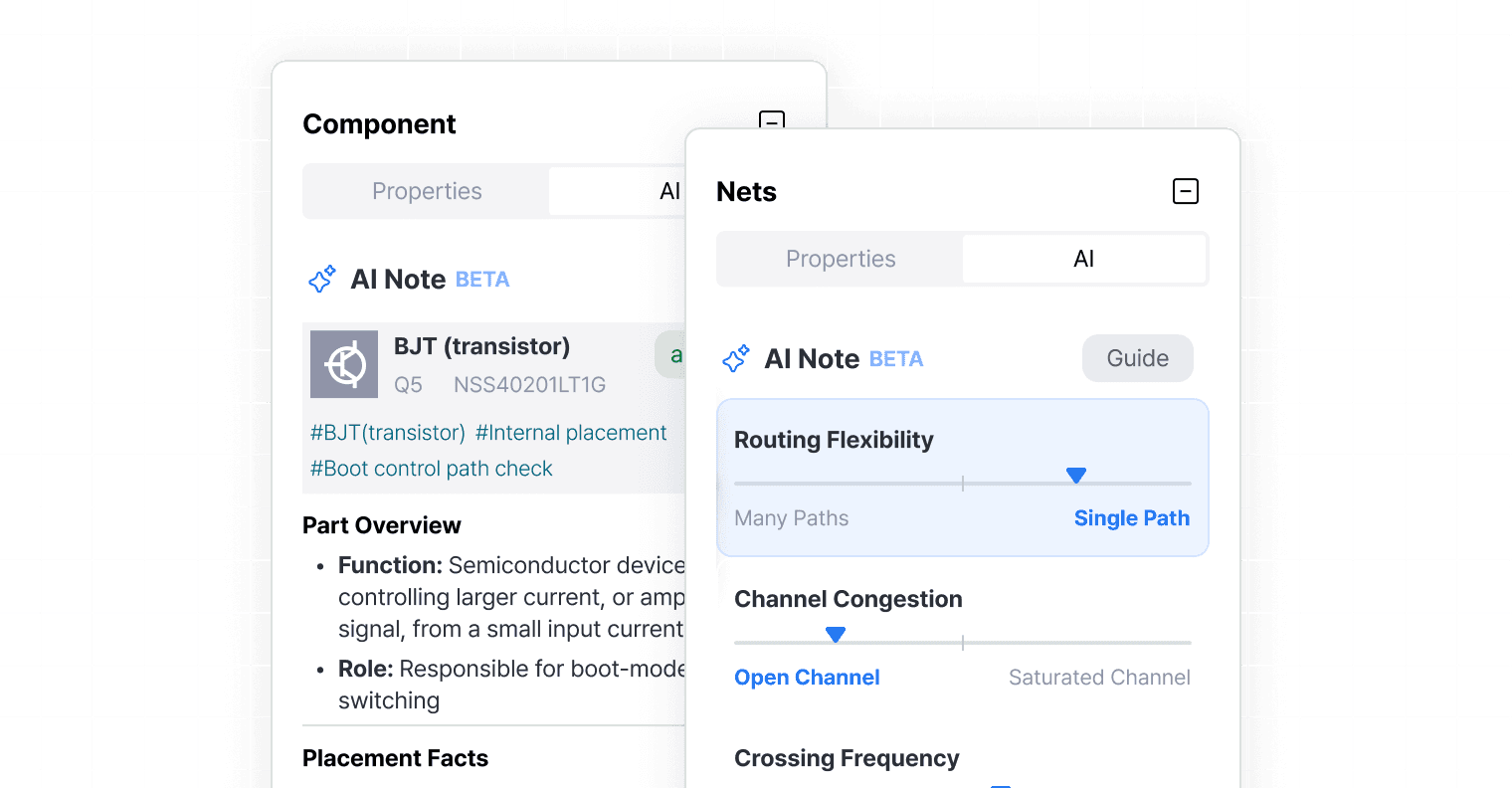
Placement notes
automatic grading of decoupling cap distance (8 mm or less) and central IC / connector access
Routing notes
routing flexibility, channel congestion, crossing frequency, and alignment sensitivity, each scored on a slider

AI re-run loop with component lock
"The coordinates you lock become a hard constraint on the next run."



Lock position and rotation for connectors, MCUs, and board outline
The AI recomputes only the unlocked area, re-placing and re-routing it

Web PCB editor
"Hand edits and AI runs in one continuous workflow."

Move
Drag and drop with precision grid snapping and live ratsnest rendering as the part moves

Rotate
90° / 45° rotation, CW or CCW, to minimize pin map crossovers and keep silkscreen legible
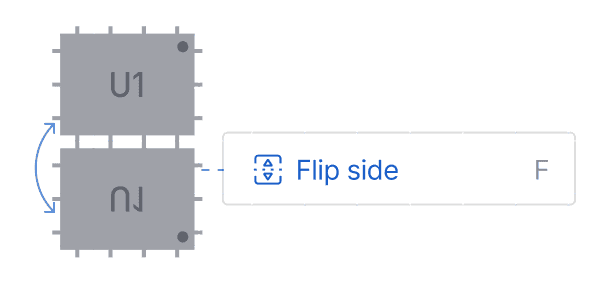
Flip
Instant top to bottom switching with a mirrored preview of pinouts, SMD pads, and silkscreen
Get started free
→

MODI Factory plugin for Altium Designer / Planned for H2 2026
Run AI placement and routing
without leaving Altium Designer
Installation adds a MODI Factory menu and a docked panel
Click Auto Placement or Auto Routing without switching windows
Parts you fixed in Altium stay fixed; the AI recalculates only the rest
An AI PCB design process proven in academia and industry
Kwangwoon University, Korea Official lab tool, AI Robotics Lab II

MODI Factory
Measured results
16-hour layout in 60 minutes
The same manual layout, finished in 60 minutes with consistent quality
Start designing in 30 minutes
An intuitive interface, so developers new to PCB can start right away
Four-year-engineer quality
Consistent results at any experience level, with automatic DRC checks
* Processing time varies with board density and server load.
* Comparisons with conventional PCB design workflows are based on general market research and do not refer to any specific product.
many engineers have already started designing with MODI Factory
PCB LAYOUT NEW PARADIGM
Get started free
→